Guide
Want to buy Bitcoin with cash but don’t know where to start? This simple step-by-step guide will show you how to set up a cryptocurrency wallet, find the nearest Bitcoin ATM, and safely complete the transaction.
Buying cryptocurrency at a Bitcoin ATM is a fast and convenient way to exchange cash for Bitcoin without having to use online exchanges. The entire process is intuitive, so even first-time buyers can complete the transaction with ease.
In this guide, we explain how a Bitcoin ATM works, what information you should have ready before your visit, and what to look out for when making a purchase. This will allow you to quickly and securely receive Bitcoin directly into your cryptocurrency wallet.


Get your crypto wallet ready
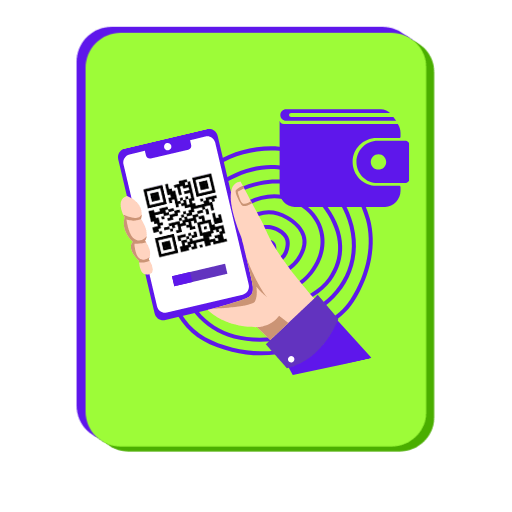
Before using a Bitcoin ATM, make sure you have a cryptocurrency wallet set up. Cryptocurrencies are stored on the blockchain, and a wallet allows you to manage your funds and access them using a private key. You can use a mobile, hardware, or paper wallet. Before visiting the ATM, also have the QR code for your wallet address ready.

Find the nearest Bitcoin ATM
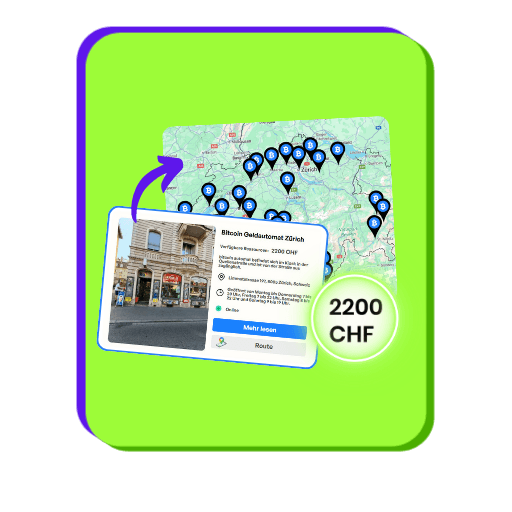
Find the nearest Bitcoin ATM in Switzerland and check its availability. Using the device map, you can verify the location, hours of operation, current exchange rates, and applicable fees. It’s also a good idea to make sure the ATM you’ve chosen is ready to process transactions.

Please enter your wallet address
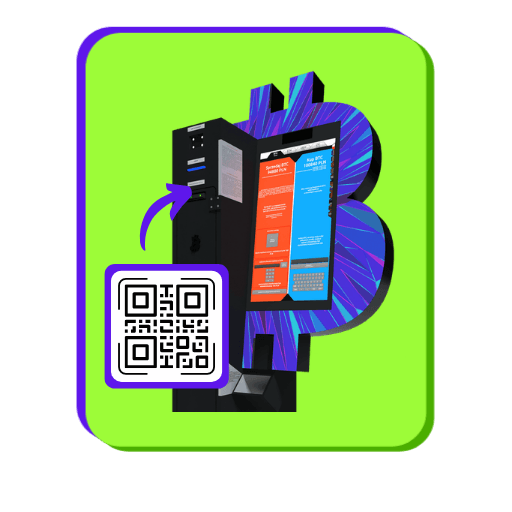
Once the transaction begins, follow the instructions displayed on the device’s screen. You can enter your wallet address by scanning a QR code or typing in the string of characters manually. If you’re using the mobile app, simply display the QR code on your phone and scan it at the kiosk.

Deposit cash
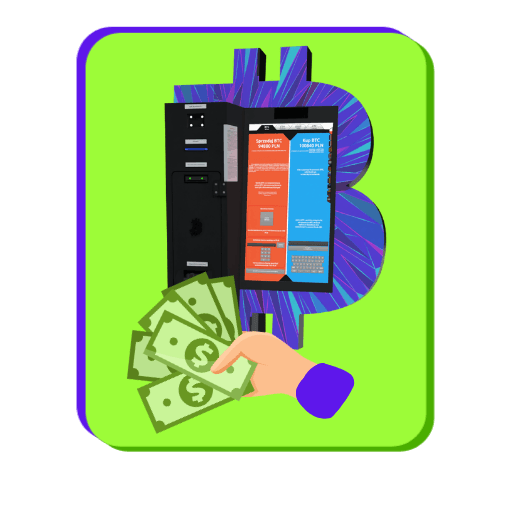
Insert your bills into the machine, and the Bitcoin ATM will automatically convert the deposited amount into Bitcoin or another selected cryptocurrency at the current exchange rate. The calculation will include the operator’s fee and the network fee (miner’s fee), which goes to the miners responsible for processing transactions on the blockchain. The amount of this fee depends on the current network load.

Confirm purchase
Before finalizing the transaction, carefully review all the details, including the purchase amount, wallet address, and applicable fees. If all the information is correct, confirm the transaction on your device’s screen.

Please wait for the transfer
Once the transaction is complete, the purchased Bitcoins will be sent to the specified wallet address. In most cases, the funds arrive within a few minutes; however, processing time may be longer depending on the blockchain network’s load. If the transfer takes an unusually long time, please contact the Bitcoin ATM operator via the official email address.
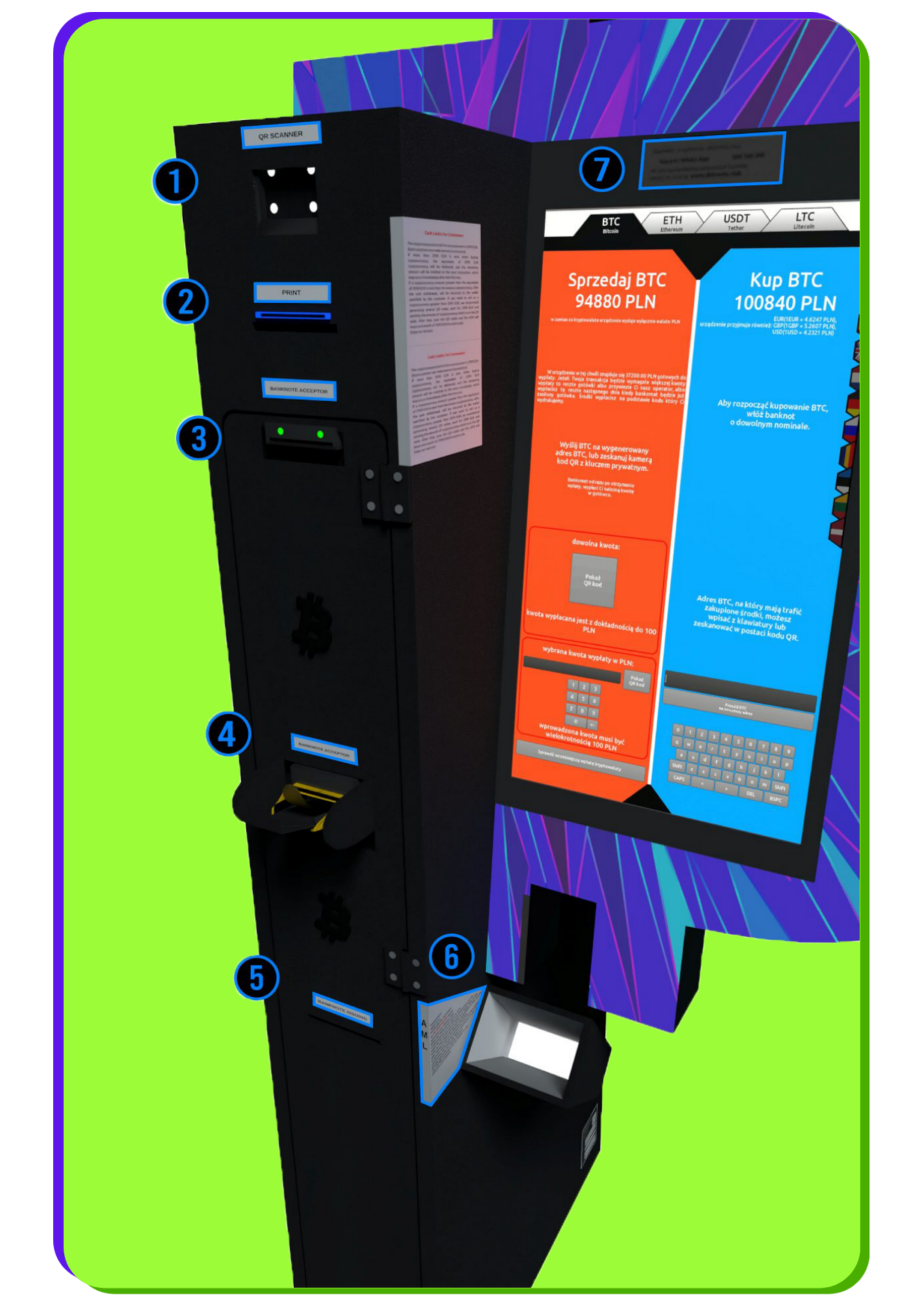
Components of the BTC machine
After selling your Bitcoin for cash, you will receive a receipt with a barcode. Scan it here so the machine can dispense your funds.
The machine prints two codes: a QR code at the top and a barcode at the bottom. The bottom barcode is used to withdraw cash. Once it is scanned into the reader at the top of the machine (1), Bitcoin ATM the withdrawal. The QR code at the top of the printout allows you to send cryptocurrency to the operator’s address, enabling you to make a withdrawal in local currency at the Bitcoin ATM. This code may also appear during online sales or directly on the Bitcoin ATM screen. After scanning it and sending the funds, you will receive the barcode needed to collect cash.
This is where you insert the bills. Newer models of BTC machines allow you to insert more bills at once.
The machine prints two codes: a QR code at the top and a barcode at the bottom.
The bottom barcode is used to withdraw cash. Once scanned by the reader at the top of the machine (1), Bitcoin ATM the withdrawal.
The QR code at the top of the printout allows you to send cryptocurrency to the operator’s address, enabling you to make a withdrawal in local currency at the Bitcoin ATM. This code may also appear during online sales or directly on the Bitcoin ATM screen. After scanning it and sending the funds, you will receive the barcode needed to collect cash.
Once you exceed the transaction limit, you will be required to scan your ID. Information about the current limits is displayed next to the scanner on the BTC machine.
If you have any issues selling cryptocurrency for cash, please contact customer service. Support is available by phone, email, Telegram, and WhatsApp.

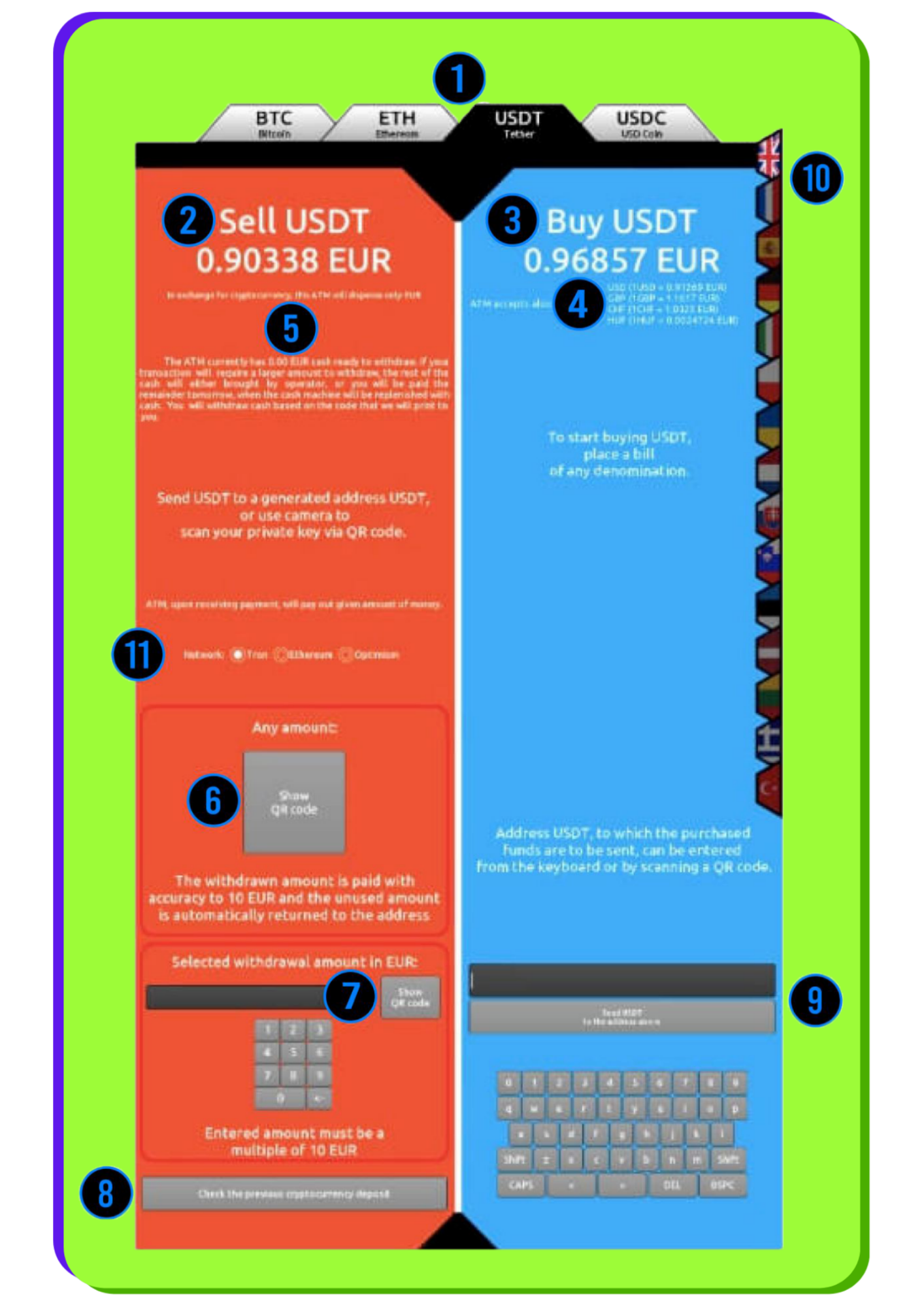
BTC ATM screen
Select one of the available options: Bitcoin (BTC), Ethereum (ETH), Tether (USDT), USD Coin (USDC), Litecoin (LTC), Tron (TRX), Binance Coin (BNB), Solana (SOL).
Supported networks include: TRC20, ERC20, Arbitrum, Optimism, and Polygon.
The price displayed is after the operator's commission has been deducted. The fee is variable and averages approximately 5% of the exchange rates; during promotions, it may be 0%.
The price shown does not include the network (mining) fee. For some cryptocurrencies and networks, this fee does not apply or is covered (Arbitrum, Optimism, Polygon, Litecoin).
Below the buy rate, you'll see the amounts in various fiat currencies that you can deposit into the device.
Here you can checkhow much cash is currently in the Bitcoin ATM and how much you can withdraw. You don’t need to go to the machine to check—this information is also available on the operator’s website.
The "Show QR Code" button generates a deposit address for the selected cryptocurrency, which allows you to withdraw cash later. The address will appear on the BTC ATM screen and will be printed. Before generating the code , make sure you have selected the correct cryptocurrency (1) and the appropriate network —especially for USDT and USDC.
You can specify the exact amount in fiat currency for which you want to sell Bitcoin. The system will generate an address that, once scanned, will allow you to complete the transaction for exactly the amount you selected.
After selecting this option, enter the barcode number. If the transaction has already been confirmed on the blockchain, the Bitcoin ATM will dispense the cash.
After inserting banknotes into the Bitcoin ATM, a summary will appear showing the deposit amount, the amount of cryptocurrency you will receive, and the network fee. At this point, you can scan your wallet address or enter it manually.
Carefully check the selected cryptocurrency and network, especially for USDT and USDC. Sending funds to the wrong network may result in their loss.
Most users scan the address using a QR code, but you can also enter it manually using the keyboard.
The device allows you to choose from a variety of language options.
Some cryptocurrencies operate on different blockchain networks —here, you select the appropriate option. Despite security measures, selecting the wrong network can result in the loss of funds. Bitcoin operates exclusively on its main network, so there is no need to select a network for BTC.
BTC: Mainnet
ETH: ETH, Arbitrum, Optimism, Polygon
USDT: TRC20, ERC20, Arbitrum, Optimism, Polygon
USDC: ERC20, Arbitrum, Optimism, Polygon

Help
Are you having a problem with the Bitcoin ATM at
?
If you're having trouble with the Bitcoin ATM or have any questions, please contact our support team.
We're happy to help and will quickly find a solution.

Call us
Monday–Friday: 10:00 AM–6:00 PM
Saturday–Sunday: 10:00 AM–2:00 PM

Send an email
We will respond within 3 business days

Telegram
Monday–Sunday: 8:00 AM–10:00 PM